Generate professional invoices, pick-lists, and delivery notes with HTML templates.
Print Methods
1. HTML Report Templates
Customizable layouts using template variables. Create once, use forever.
2. Prepare Print
Dump invoice data to a sheet for external processing or custom formatting.
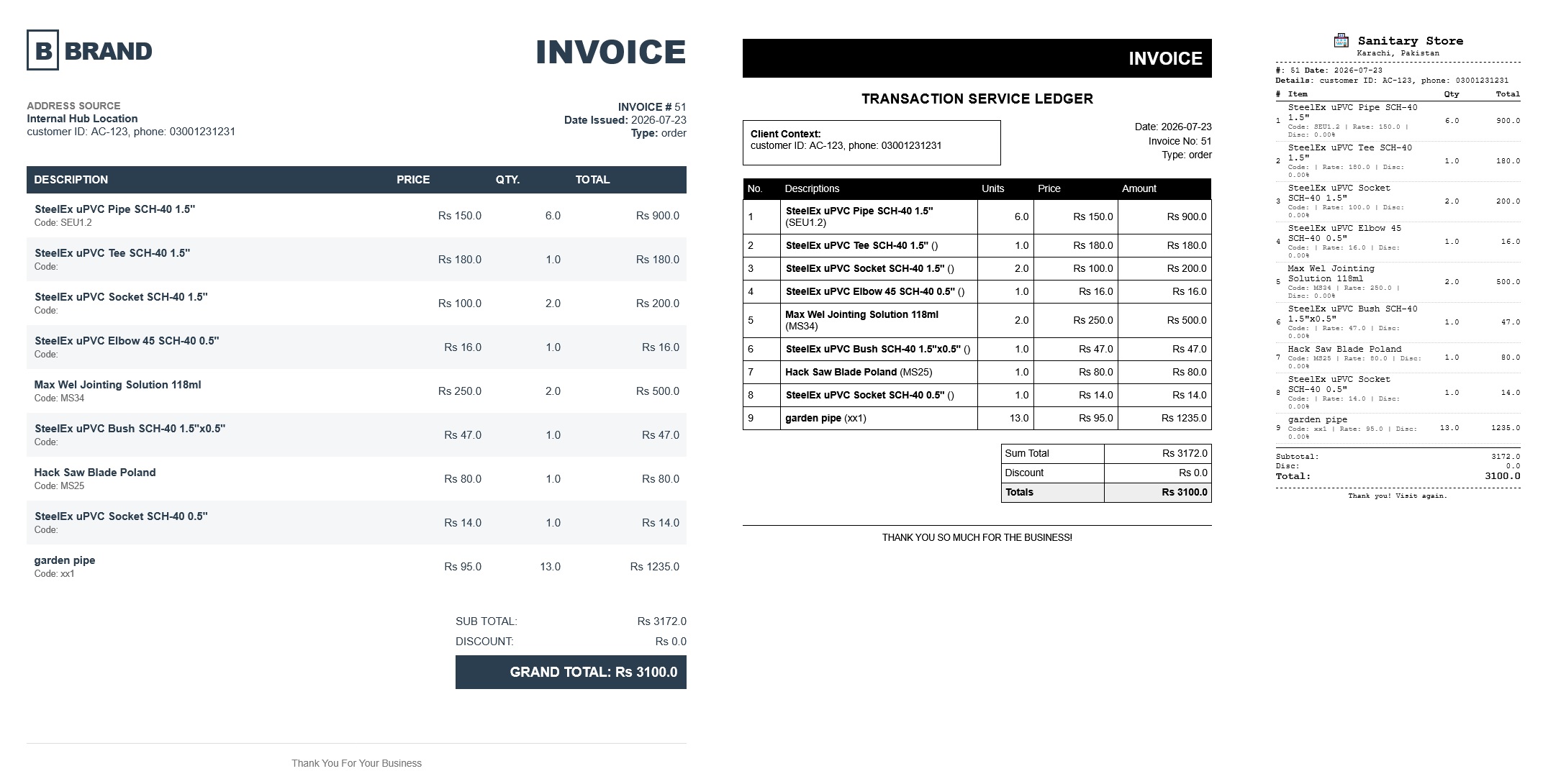
Print template management
Template Variables
Use these variables in your HTML templates:
| Variable | Description |
|---|---|
{{header.type}} |
Order/Quote |
{{header.date}} |
Invoice date |
{{header.details}} |
Invoice details |
{{header.transactionId}} |
Transaction number |
{{items.code}} |
Item code |
{{items.details}} |
Item description |
{{items.quantity}} |
Quantity |
{{items.rate}} |
Unit price |
{{items.rowTotal}} |
Row total |
{{totals.finalAmount}} |
Final amount |
Creating Your Own Template
- Go to Invoice Settings
- Add HTML report template
- Write HTML with template variables
- Test with Print Preview
- Use template for invoices, pick-lists, delivery notes, receipts
Next: Learn about Multi-Tab Invoicing.