Install Smart Search
Get started in 3 simple steps
1
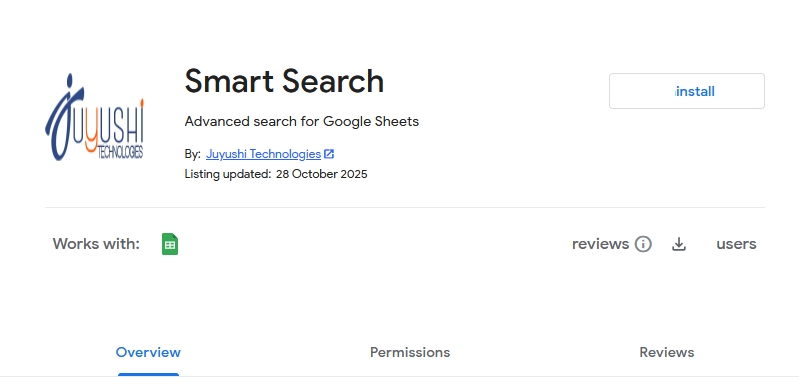
Install from Marketplace
Click the install button below to go to Google Workspace Marketplace and install Smart Search to your Google account.
2
Open in Google Sheets
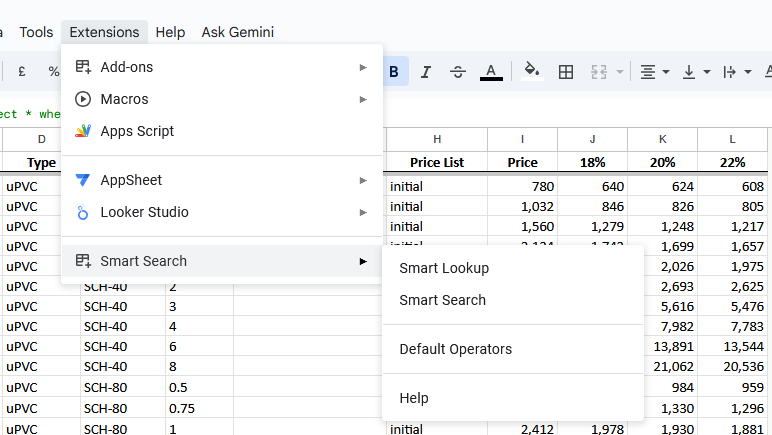
Open any Google Sheet and navigate to Extensions → Smart Search → Open Search to launch the search panel.
3
Start Searching
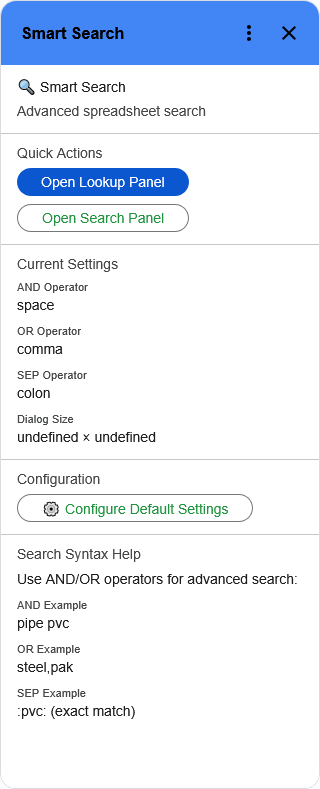
The search panel will open. Use the search box with advanced syntax to find data in your spreadsheet instantly.
Need Help Installing?
Common Issues
- Can’t find the extension? Refresh your Google Sheet after installation
- Permission errors? Make sure you’re signed into the correct Google account
- Sidebar not loading? Check your browser’s pop-up blocker settings
Still having trouble? Contact our support team